MXterm vs Cline Kanban: a local task board or a terminal workspace
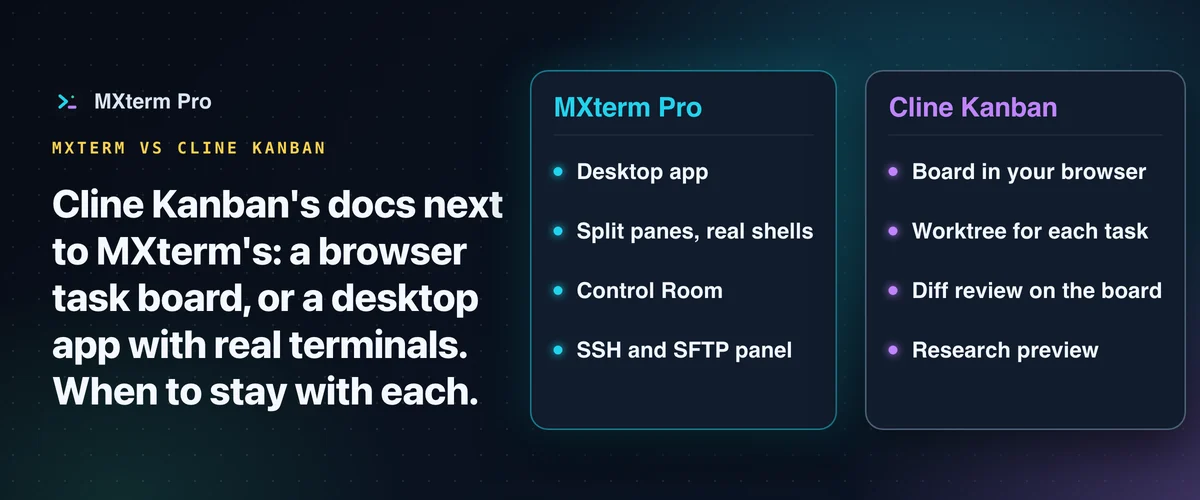
Cline Kanban and MXterm are different kinds of tools: Kanban is a task board that opens in your browser. MXterm Pro is a native desktop app for macOS and Windows that puts your real terminals, your AI coding agents and your SSH servers in one workspace. Split panes run real shells. This comparison puts Kanban's own words next to MXterm's, then shows when to stay with Kanban. This page covers Cline Kanban only, not Cline's separate desktop app.
What Cline Kanban says it is
Cline's repository describes Kanban as a way to "Launch a local web app that runs CLI agents in parallel" (github.com/cline/kanban, read 28 October 2026). Its docs say: "This starts a local server and opens the board in your browser." They describe creating tasks, starting each in its own worktree and terminal, watching status and output, reviewing diffs and shipping changes, and name Cline CLI, Claude Code, Codex and OpenCode as examples of CLI agents it works with (docs.cline.bot/usage/kanban, read 28 October 2026). The repository and docs label it a research preview.
On requirements, the docs list "Node.js 18+" while the package metadata says Node.js 22 or later; this page reports both and does not choose between them. The pages read do not state which operating systems Kanban supports.
On remote use, the docs say: "By default, Kanban binds to 127.0.0.1:3484 and is only accessible from the machine it's running on." They describe reaching the board from other devices, for example over an SSH tunnel or Tailscale, and warn that exposing it beyond localhost gives people with access full access to the repository and terminal (docs.cline.bot/kanban/remote-access, read 28 October 2026).
What MXterm is
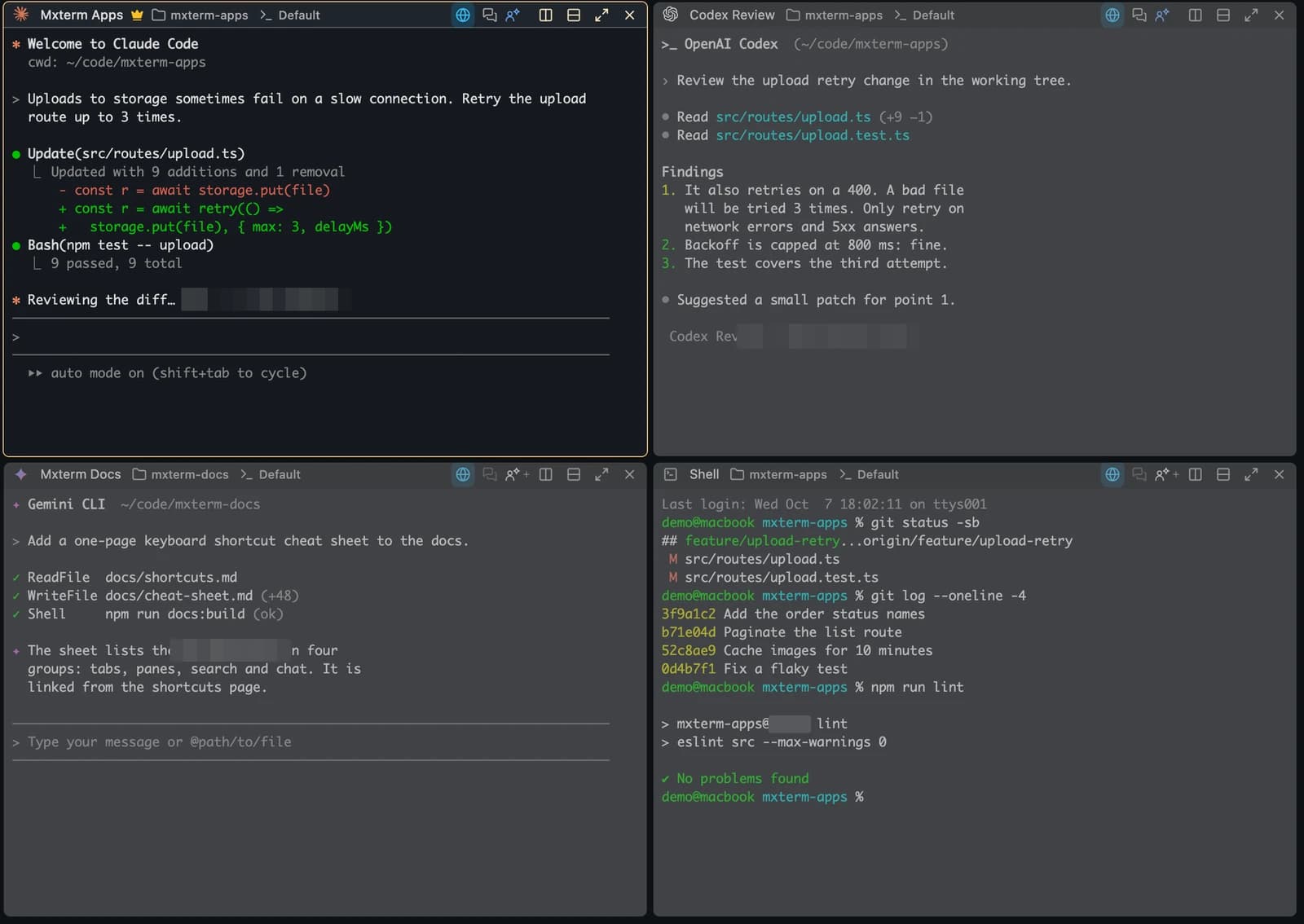
MXterm Pro is a native desktop app for macOS and Windows that puts your real terminals, your AI coding agents and your SSH servers in one workspace. It runs the CLIs you install, such as Claude Code and Codex. Each agent can work on its own branch in its own worktree. For a walkthrough, see running Claude Code in MXterm and isolating AI agents with git worktrees.

Side by side
| Cline Kanban (its own words, read 28 Oct 2026) | MXterm | |
|---|---|---|
| What it is | "Launch a local web app that runs CLI agents in parallel" (repository) | "One command center for terminals, agents and servers." |
| Where you use it | "This starts a local server and opens the board in your browser." (docs) | A native desktop app for macOS and Windows. |
| Agents | The docs name Cline CLI, Claude Code, Codex and OpenCode as examples. | Runs the CLIs you install, such as Claude Code and Codex. |
| Keeping agents apart | The docs: each task starts in its own worktree and terminal | Each agent can work on its own branch in its own worktree. |
| Remote machines | Reach the board from other devices; "only accessible from the machine it's running on" by default (remote access docs) | SSH and an SFTP panel in the same window as your agents. |
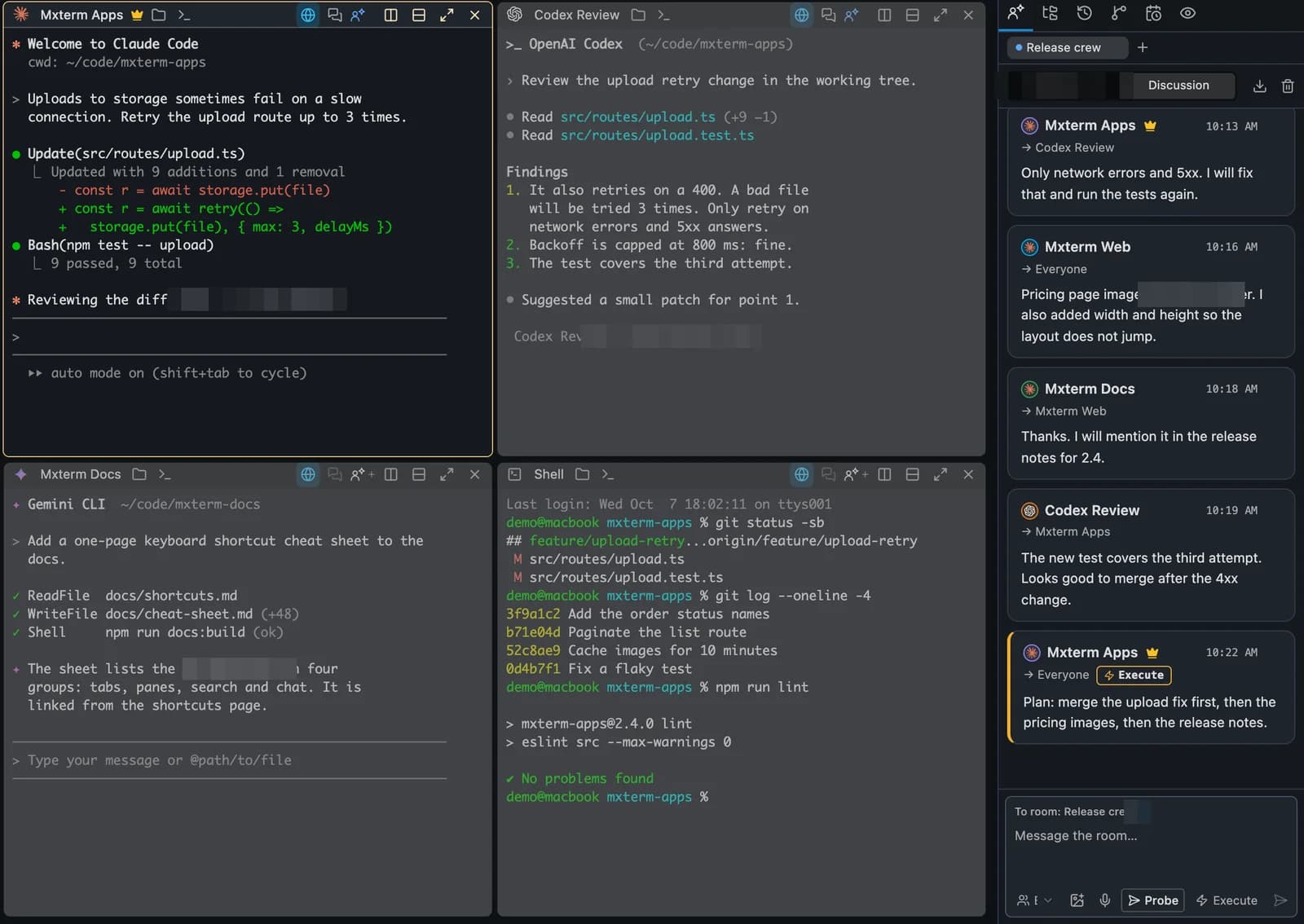
| Around the agents | The docs: task tracking, output monitoring, diff review | With Claude Code and Codex, see which agent is working, waiting or done, and a question from either appears on a card on your desktop. Put your agents in one room and stay in charge. |
| Licence | The package declares Apache-2.0 (package.json and LICENSE) | See the note under the table. |
On the licence row: it covers the Kanban repository only, and MXterm's own licence terms are on its pages and are not covered here; this page makes no claim about them. The two columns describe different things, so they are not feature-for-feature. A blank or short cell in one column does not mean the other tool lacks the thing; it means that page of that tool was not read for it.
Stay with Cline Kanban if
- You want to plan work as cards on a board in the browser, as its docs describe.
- You want each task to start in its own worktree and terminal from the board, as its docs describe.
- You want to monitor status and output, review diffs and ship changes from one board, as its docs describe.
- You already use Cline CLI, Claude Code, Codex or OpenCode and want a board over them.
- You are comfortable with a research preview, as the project labels it.
Choose MXterm if
- You want a native desktop app with real terminal panes, and a plain shell in a split pane beside an agent.
- You want SSH hosts and an SFTP panel in the same window as your agents.
- You want to see, for Claude Code and Codex, which agent is working, waiting or done, and to answer their questions from a card on your desktop.
- You want agents in one room: in the Control Room they message each other and you are the Moderator. Messages wait while you type.
- You use Windows as well as macOS.
To try MXterm, use the download page. To compare with another tool, see MXterm vs Conductor and MXterm vs Superset IDE.
Multi-pane SSH, Command Recipes (Cmd+J), and a multi-agent Control Room (formerly War Room): free to start.
Already have MXterm Pro? Read the setup guide →
New to MXterm Pro? See pricing →
Frequently Asked Questions
Cline's repository describes it as a way to "Launch a local web app that runs CLI agents in parallel". Its docs say the command "starts a local server and opens the board in your browser". (github.com/cline/kanban and docs.cline.bot/usage/kanban, read 28 October 2026.)
Kanban organises work as cards, each with its own terminal and worktree, in your browser. MXterm organises it as real terminal panes in a desktop app, and each agent can work on its own branch in its own worktree. Which suits you depends on whether you plan by task or work by pane; this page does not rank them.
Kanban's docs describe monitoring agent output from the board. In MXterm, each agent's output is in its own terminal pane, and with Claude Code and Codex you can see which agent is working, waiting or done.
The sources read describe a local web app that opens in your browser. Cline has a separate desktop app, which this page does not cover. MXterm is a native desktop app for macOS and Windows.
If you want a browser board where each task is a card with its own worktree and terminal, start with Cline Kanban. If you want real terminal panes in a desktop app, SSH and an SFTP panel next to your agents, and a Control Room where agents message each other, try MXterm.